


In an era where digital security is paramount, iPhone users often wonder about the safety of their devices. Despite Apple’s stringent security measures, iPhones are not entirely immune to hacking. Understanding the signs of a compromised device, knowing how to fix it, and following safety tips can help protect your personal information.
Signs Your iPhone May Be Hacked
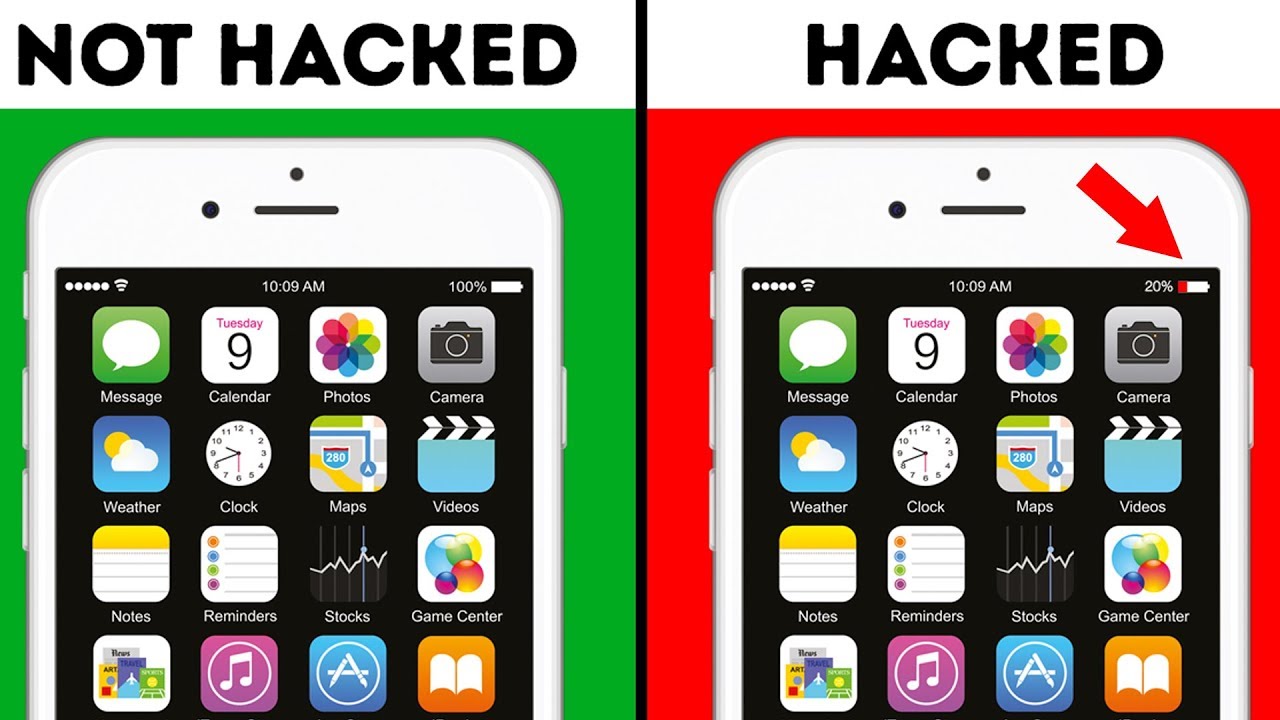
Unusual Battery Drain: If your battery is depleting faster than usual, it could be a sign of malware running in the background.
Data Usage Spike: An unexpected increase in data usage might indicate that malicious software is transmitting data from your phone.
Performance Issues: Slow performance, frequent crashes, or apps that take longer to load can be indicators of a compromised device.
Unrecognized Apps: If you notice unfamiliar apps that you did not download, it could be a sign of hacking.
Strange Activity: Unauthorized messages or calls and unrecognized activity in your accounts might point to a security breach.
How to Fix a Hacked iPhone
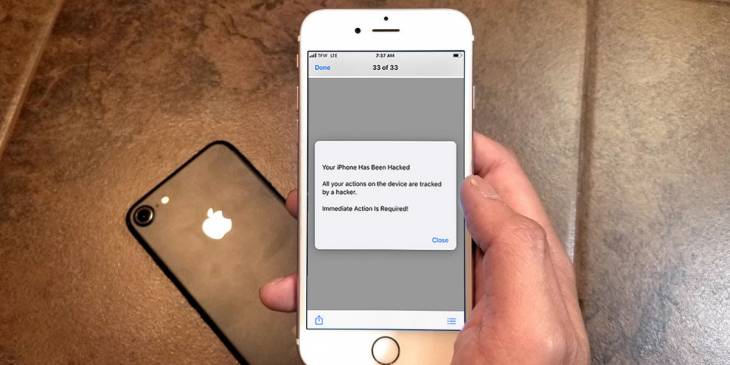
Update iOS: Always ensure your device is running the latest version of iOS. Apple regularly releases updates to patch security vulnerabilities.
Delete Suspicious Apps: Remove any apps that you do not recognize or those that exhibit suspicious behavior.
Reset Settings: Go to Settings > General > Reset > Reset All Settings. This will restore default settings without deleting your data.
Restore Factory Settings: If problems persist, consider restoring your iPhone to factory settings. This will erase all content and settings, so back up your data first.
Install Security Software: Use reputable security software to scan for malware and enhance your device’s protection.
Safety Tips to Prevent Hacking
Enable Two-Factor Authentication: Activate two-factor authentication (2FA) for your Apple ID and other important accounts. This adds an extra layer of security.
Use Strong Passwords: Avoid using easily guessable passwords. Use a combination of letters, numbers, and symbols, and change your passwords regularly.
Be Cautious with Links: Avoid clicking on suspicious links in emails, texts, or social media messages. These can lead to phishing sites or download malware.
Download from Official Sources: Only download apps from the Apple App Store to ensure they have been vetted for security.
Regular Backups: Regularly back up your iPhone data to iCloud or your computer. This ensures you can restore your data if your device is compromised.
Monitor App Permissions: Regularly review app permissions in your settings and limit access to sensitive data and functions.






