


In today’s data-driven world, proficiency in Microsoft Excel is a crucial skill for professionals across various industries. Whether you’re in finance, marketing, human resources, or operations, Excel offers powerful tools to help you analyze data, make informed decisions, and streamline your workflow. Here are five essential Excel skills every professional should master:
1. Data Management and Organization

At the core of Excel’s utility is its ability to manage and organize data efficiently. Knowing how to use basic functions such as sorting, filtering, and conditional formatting is essential. These features allow you to quickly locate and highlight important data points, identify trends, and eliminate duplicates. Additionally, mastering the use of tables and pivot tables can significantly enhance your ability to summarize large datasets and create dynamic reports.
2. Formulas and Functions

Excel’s formulas and functions are its most powerful features, enabling users to perform complex calculations and data analysis with ease. Key functions include VLOOKUP, HLOOKUP, INDEX, and MATCH, which are indispensable for data retrieval and cross-referencing. Additionally, understanding how to use logical functions like IF, AND, and OR allows you to create conditional statements, automate decision-making processes, and streamline your work.
3. Data Visualization
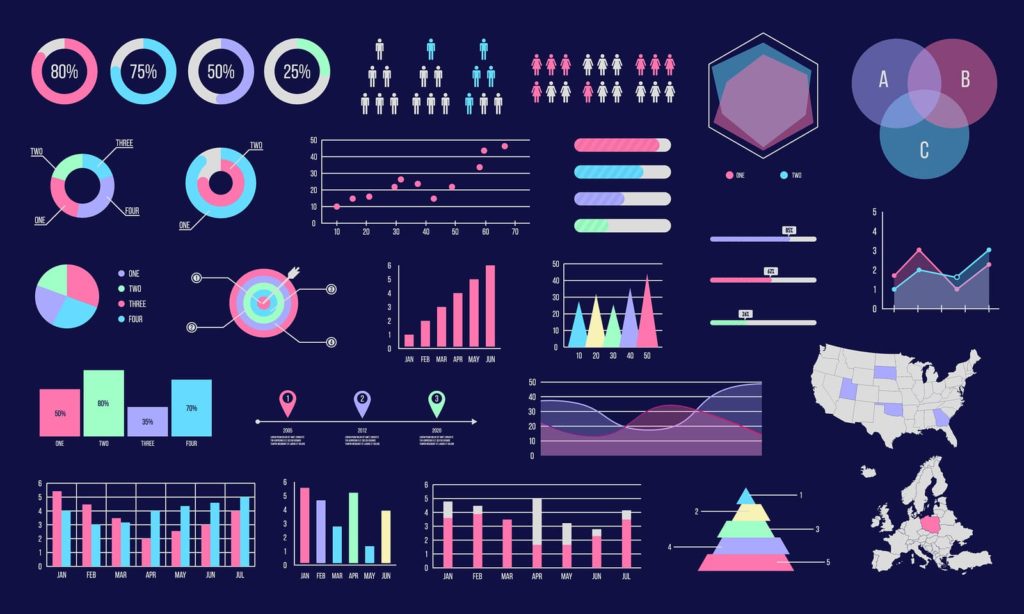
Data visualization is crucial for presenting data in an easily digestible format. Excel offers a wide range of chart types, including bar charts, line graphs, pie charts, and scatter plots, which can help you illustrate trends and patterns. Mastering these tools enables you to create compelling visual representations of your data, making it easier to communicate insights and support your findings. Additionally, learning to use tools like Sparklines and Conditional Formatting can add another layer of visual analysis to your reports.
4. Advanced Data Analysis Tools

For more in-depth data analysis, Excel provides advanced tools such as PivotTables and PivotCharts. PivotTables allow you to quickly summarize and analyze large datasets, providing insights into patterns and trends that may not be immediately obvious. PivotCharts complement this by providing visual representations of your PivotTable data. Additionally, understanding how to use the Data Analysis Toolpak can help you perform statistical analyses, such as regression, histograms, and ANOVA, directly within Excel.
5. Macros and Automation

For professionals looking to increase efficiency, mastering macros and automation is essential. Macros allow you to record and automate repetitive tasks, saving time and reducing the likelihood of errors. Learning the basics of VBA (Visual Basic for Applications) can further enhance your ability to create custom functions, automate complex workflows, and develop Excel applications tailored to your specific needs






